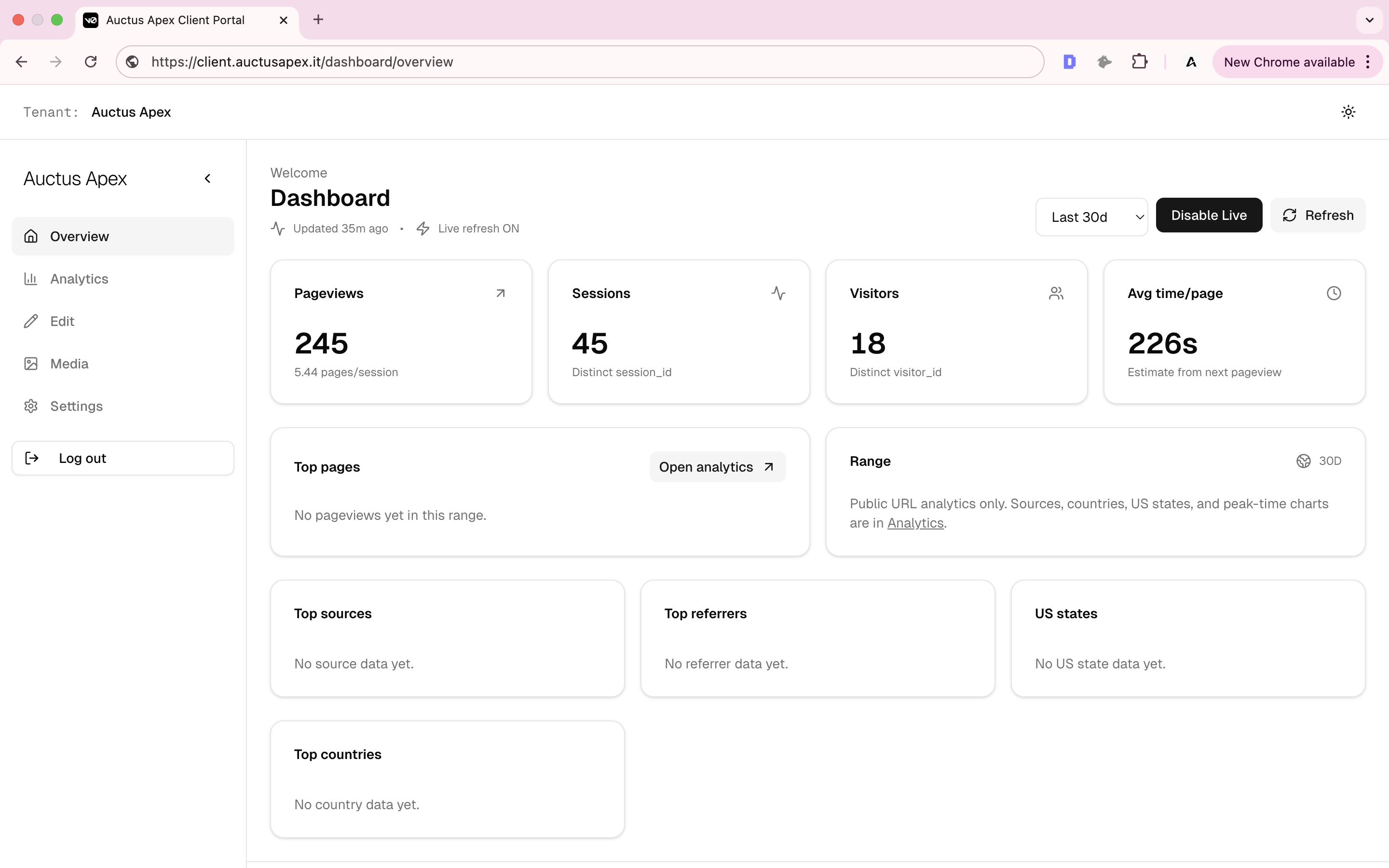
Portal Access
Follow the steps below to authenticate and access the Auctus Apex platform.
2
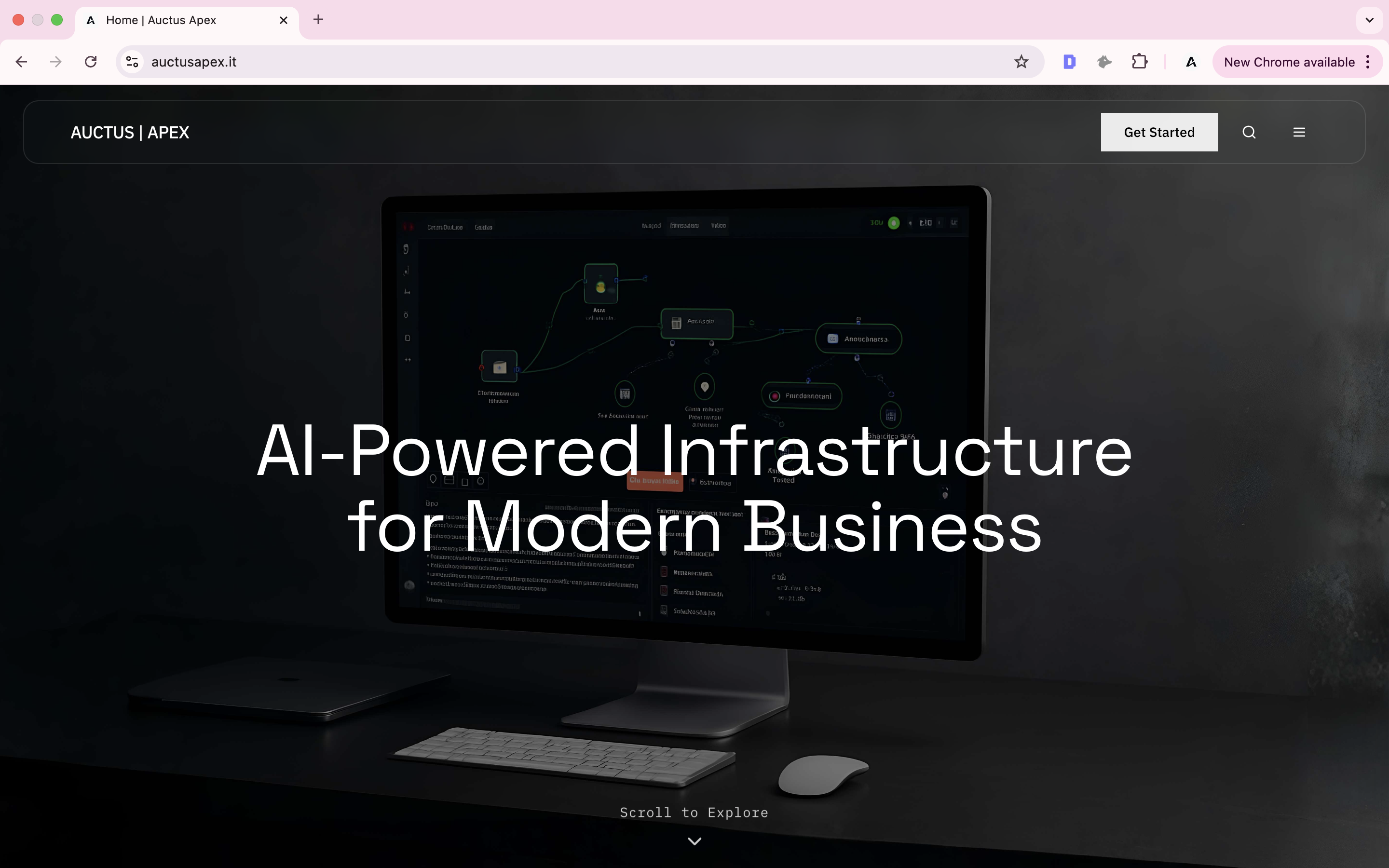
Open the Login Page
Scroll to the bottom of the website and select “Login” from the footer.
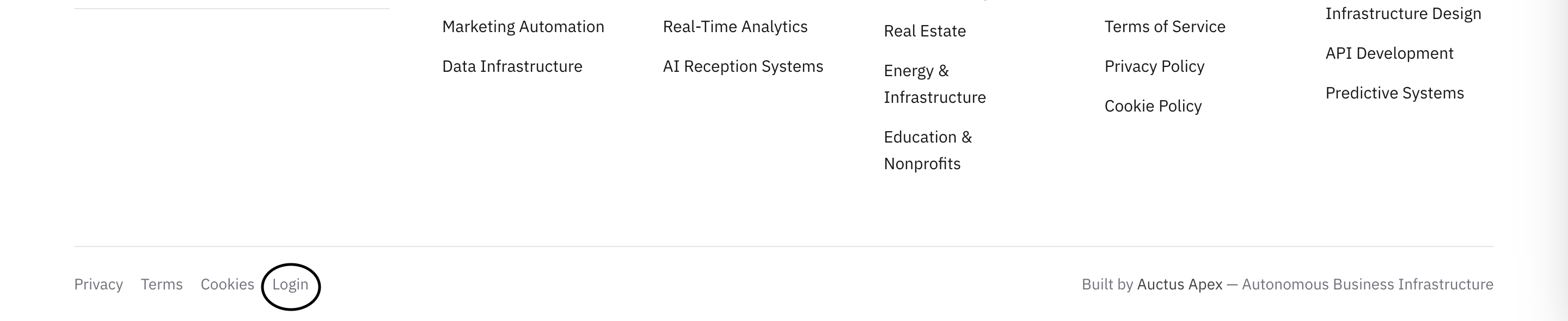
Scroll to the bottom of the homepage and click the “Login” button located in the footer.
3
Access the Authentication Page
You will be redirected to the Auctus Apex authentication screen.
Auctus Apex Login →4
Enter Your Credentials
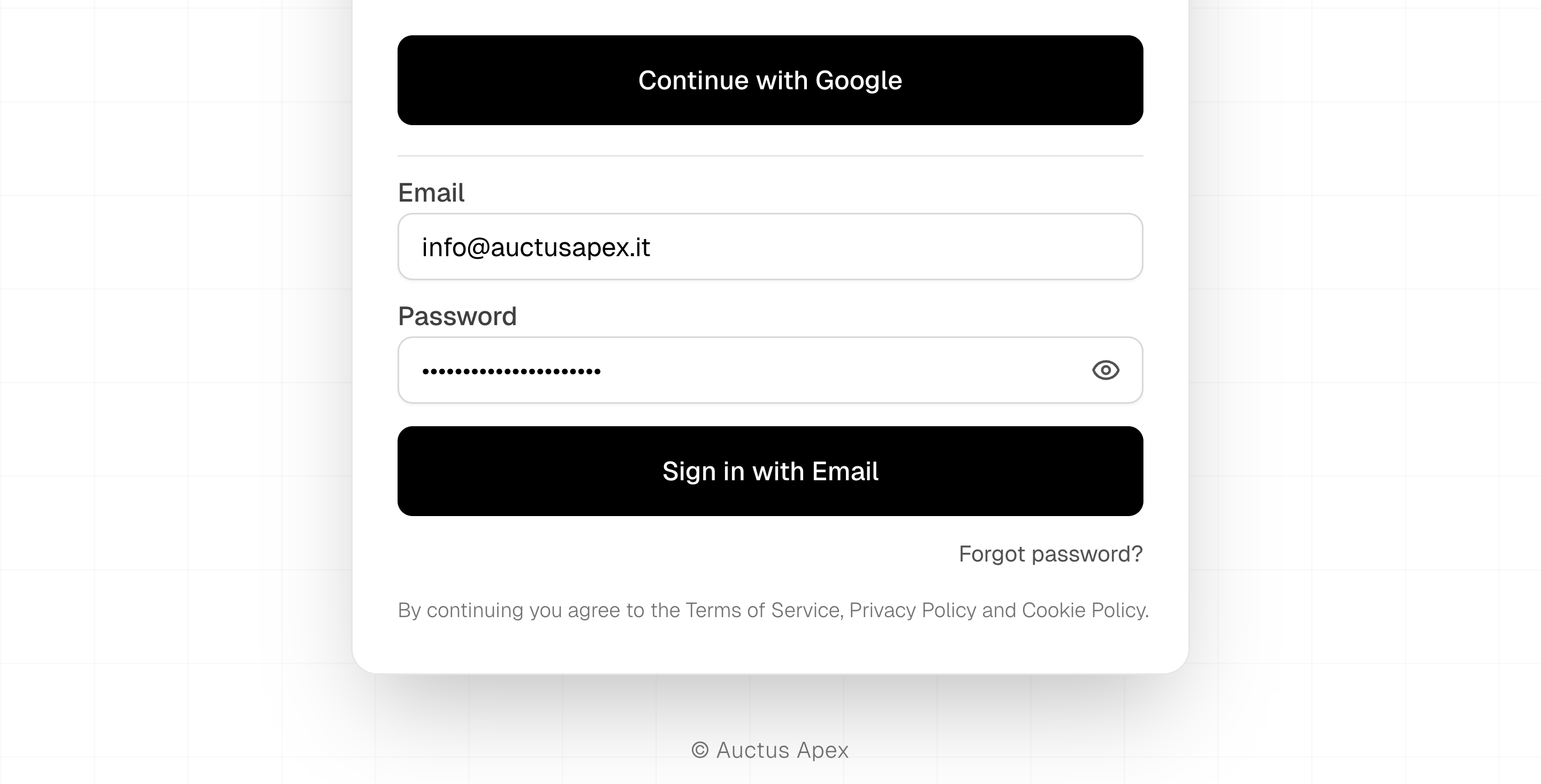
Authenticate using your approved Google account or by entering your email and password.
Select “Continue with Google” or enter your email and password, then proceed with authentication.
5
Access Your Client Portal
After successful authentication, you will be securely routed to your Auctus Apex Client Portal.
Client Portal →